Web Settings
Web Settings
React Native Kakao provides the same level of developer experience on Native and Web platforms.
Refer to the Kakao SDK Documentation for setup details.
Install Kakao JavaScript SDK
Install the latest Kakao SDK from the Download page by adding it to the head of index.html.
<!DOCTYPE html>
<html>
<head>
...
  <script src="https://t1.kakaocdn.net/kakao_js_sdk/{{Version}}/kakao.min.js"
          integrity="{{integrity}}"
          crossorigin="anonymous"></script>
</head>

<body>
...
</body>
</html>
In the Expo environment, you can customize index.html using the npx expo customize command.
Register Platform in Kakao Console
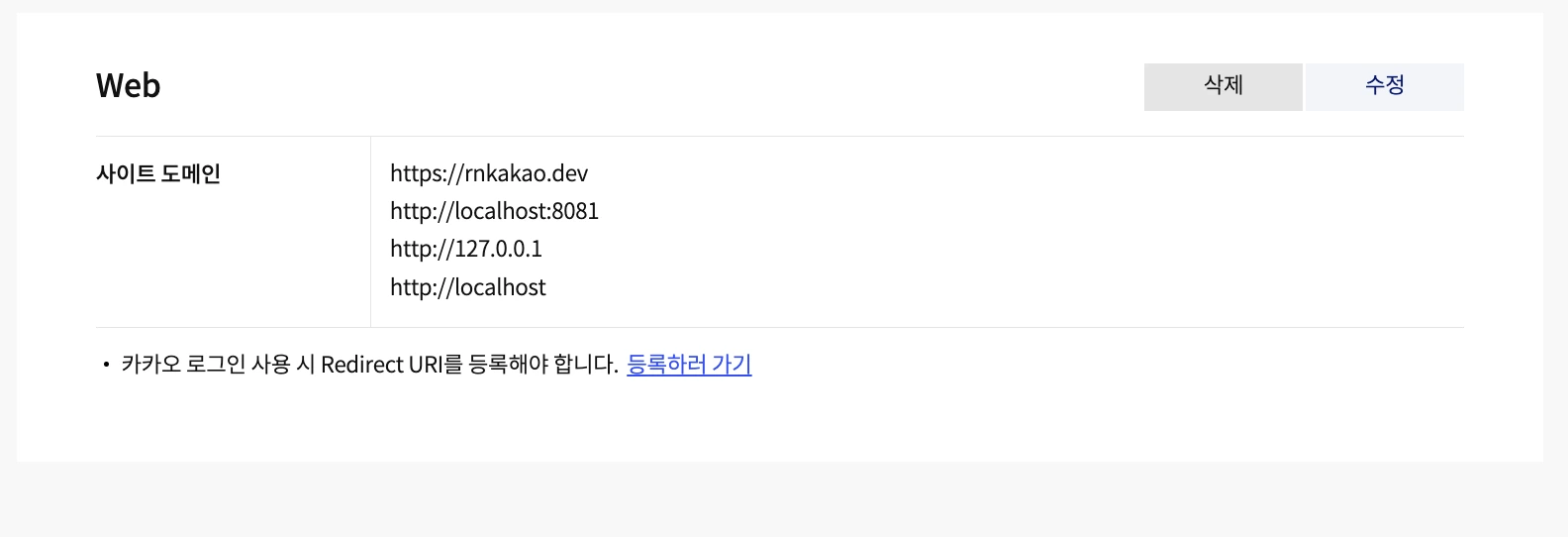
Go to the platform tab and add your site domain.
Web platform limits
Supported API responses use the same field names and value types as native APIs, including Unix timestamps in seconds and successful receiver UUID arrays. Browser and Kakao SDK limits still apply:
| API | Web behavior |
|---|---|
login | Redirects to web.redirectUri; exchange the code with issueAccessTokenWithCodeWeb, then call setAccessTokenWeb. |
isKakaoTalkLoginAvailable / getKeyHashAndroid | Return false / undefined; these native capabilities cannot be detected on web. |
| Friend picker | Opens a popup. mode, viewAppearance, and orientation are native-only options. |
| Channel URL APIs | Return or open the channel's add/chat URL. Call openers from a user interaction; blocked popups reject with Package-Assertion. |
navigateTo / shareTo | Return false on desktop. On mobile web, true means the SDK launch request was made; browser APIs cannot confirm app installation or launch success. |
| Navi options | The JS SDK controls installation fallback; openWebInstallUrlIfNaviAppNotAvailable is native-only. shareTo forwards the destination and coordinate type, without via points or route-planning options. |
About Web API
The internal implementation of Web APIs may differ from Android and iOS.
API responses are consistent across platforms and names are identical, but some APIs or arguments are specific to Web.
For example, redirectUri is a Web-specific login argument.
APIs used or required only on Web have function names ending in Web.
For example, User.setAccessTokenWeb() is a Web-specific API.
All Web-specific arguments are passed in the function's web field.
The core package's SDK initialization function is shown below.
export async function initializeKakaoSDK(
  appKey: string,
  // eslint-disable-next-line @typescript-eslint/no-unused-vars
  options: { web?: { javascriptKey: string; restApiKey: string } },
)
This function receives the required Web-specific parameters in a web object.
If your app does not support Web, you do not need to set the web argument and should not call APIs ending in Web.
On web, SDK initialization requires web.javascriptKey and web.restApiKey, and login requires web.redirectUri. Other supported APIs use their documented defaults.